Data Filtering Case Size
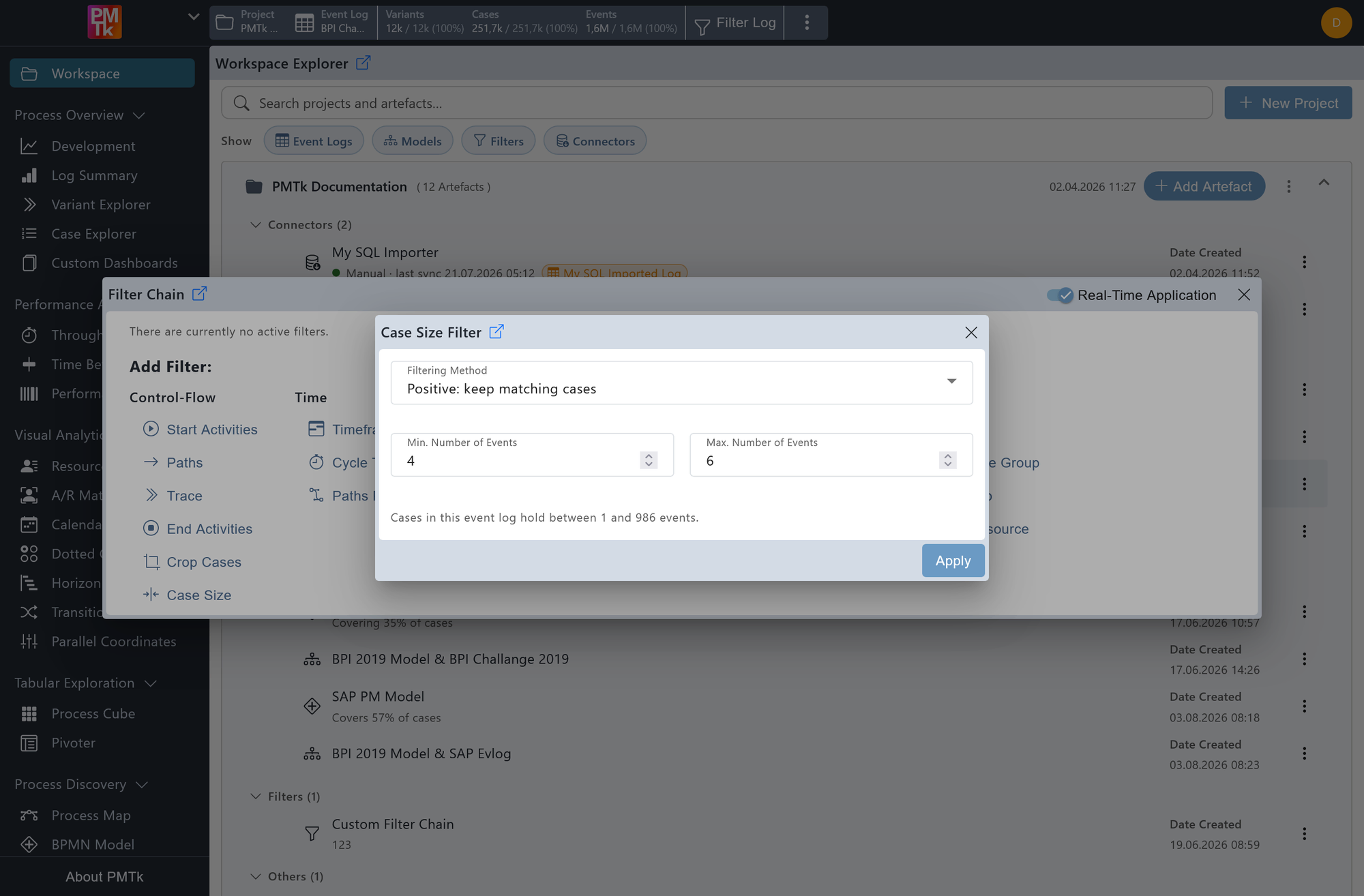
Screenshot shows the Case Size Filter dialog with the filtering method set to Positive: keep matching cases, a minimum of 4 events, and a maximum of 6 events. Only cases containing between 4 and 6 events inclusive will be retained.
The Case Size Filter allows you to restrict the event log based on the number of events a case contains. This is useful for removing very short cases that may represent incomplete process executions, or very long ones that may be outliers skewing the analysis.
Filtering Method
Controls how the specified size range is applied:
- Positive: keep matching cases: Retains only cases whose event count falls within the defined range.
- Negative: remove matching cases: Removes all cases whose event count falls within the defined range.
Min. Number of Events
The lower bound of the accepted event count range (inclusive).
Max. Number of Events
The upper bound of the accepted event count range (inclusive). Below the fields, PMTk shows the minimum and maximum event count actually present among the cases in the event log, for reference.
On applying the filter, a corresponding entry is appended to the Filter Chain. Existing filters can be reviewed, reordered, and removed in the Filter Chain.
