Data Filtering Crop Cases
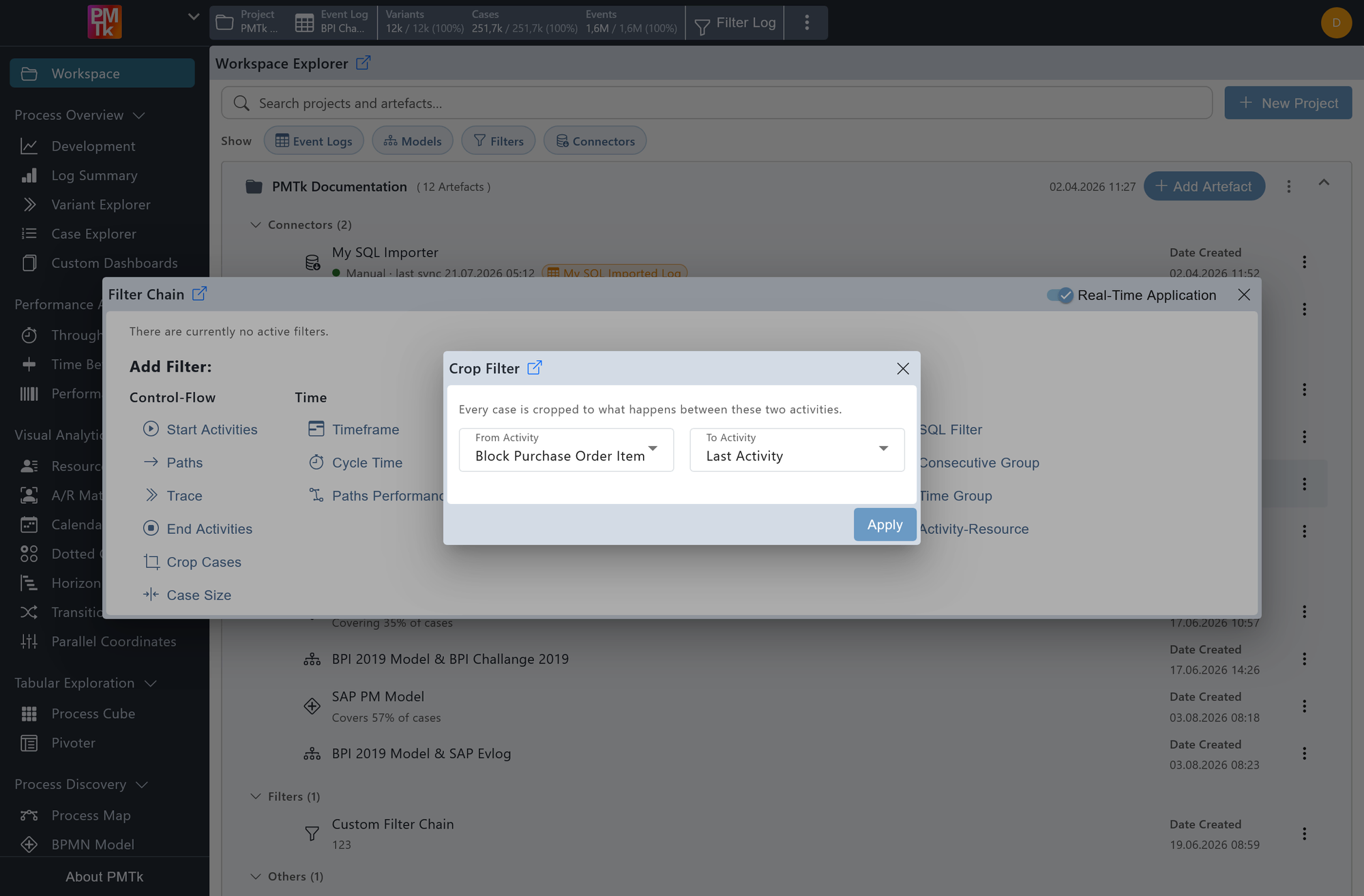
Screenshot shows the Crop Filter dialog. The start activity is set to Block Purchase Order and the end activity to Last Activity, meaning all cases will be trimmed to begin at the first occurrence of Block Purchase Order and retain all subsequent events through to the end of each case.
The Crop Cases Filter trims every case in the event log to a specified activity range, retaining only the events that fall between a defined start and end activity (inclusive). Cases that do not contain both the specified start and end activities are removed entirely. The filter always matches the first occurrence of each specified activity within a case.
From Activity
The From Activity dropdown defines the point from which each case is trimmed. In addition to any specific activity, the special value First Activity can be selected to begin from the very first event of each case.
To Activity
The To Activity dropdown defines the point at which each case is trimmed off. Similarly, Last Activity can be selected to retain everything through to the final event of each case.
On applying the filter, a corresponding entry is appended to the Filter Chain. Existing filters can be reviewed, reordered, and removed in the Filter Chain.
